Fixed: "Cannot determine the frame size or a corrupted frame was received" with MySql.Data

Cannot determine the frame size or a corrupted frame was received sounds like a damaged network. Nothing was damaged. The driver asked for TLS 1.2, and the server only accepts TLS 1.3, and this is how that disagreement reads from the client's side.
What I Was Doing
I set a MySQL 9.7 server to accept TLS 1.3 only, then connected with MySql.Data 26.10.0 on .NET 10:
SET GLOBAL tls_version = 'TLSv1.3';
ALTER INSTANCE RELOAD TLS;
…;SslMode=Required
dotnet run test-connection.cs
What I Expected
A TLS 1.3 connection: both sides support it.
What I Got
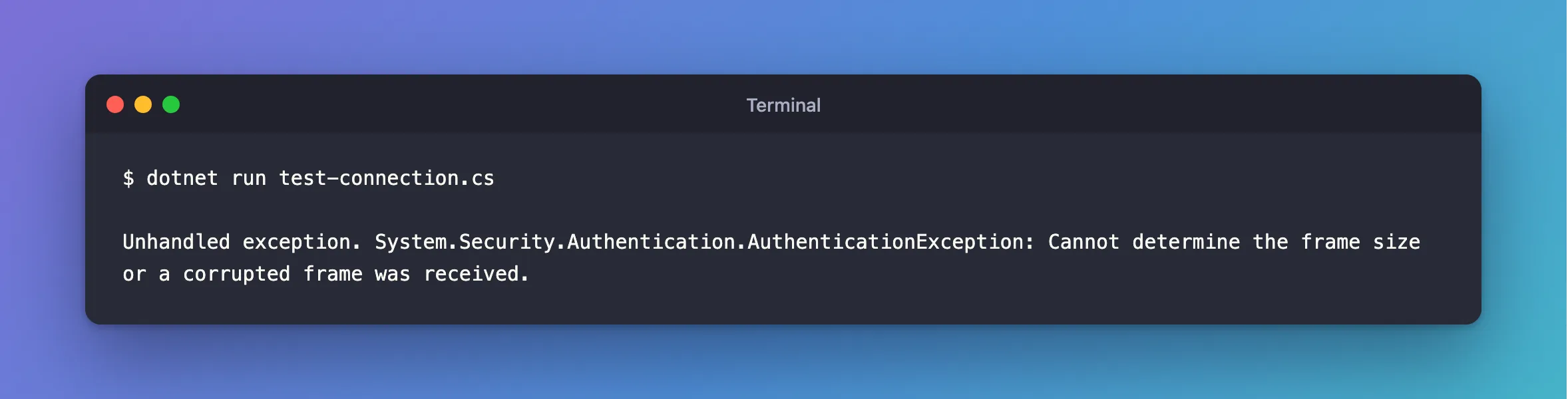
Unhandled exception. System.Security.Authentication.AuthenticationException: Cannot determine the frame size or a corrupted frame was received.
What I Checked
What the driver uses by default. On a server that allows both versions, it chose TLS 1.2 on macOS, and also in a Linux container, where .NET supports 1.3:
Connected as inventory_app@% to MySQL 9.7.4
TLS: TLSv1.2
The driver's source. With no version set, it falls back to 1.2:
tlsProtocol = (tlsProtocol == SslProtocols.None) ? SslProtocols.Tls12 : tlsProtocol;
Oracle's documentation says of tlsversion that "A fallback solution decides which version of TLS to use", and doesn't say which version that is.
Why It Happens
The driver offers TLS 1.2. The server doesn't speak it, so it ends the handshake, and .NET reports what it received as a frame it can't read.
The Fix
Tell the driver which versions it may use:
…;SslMode=Required;TlsVersion=TLSv1.2,TLSv1.3
On Linux, that's all. On macOS, .NET needs one more setting for TLS 1.3, because its default TLS library there doesn't support it. The .NET 10 documentation has this switch:
export DOTNET_SYSTEM_NET_SECURITY_USENETWORKFRAMEWORK=1
Without it, on macOS, naming only TLS 1.3 gives The requested security protocol is not supported. I also tried that switch alone, without TlsVersion, and it still failed with the frame error. It takes both.
After the Fix
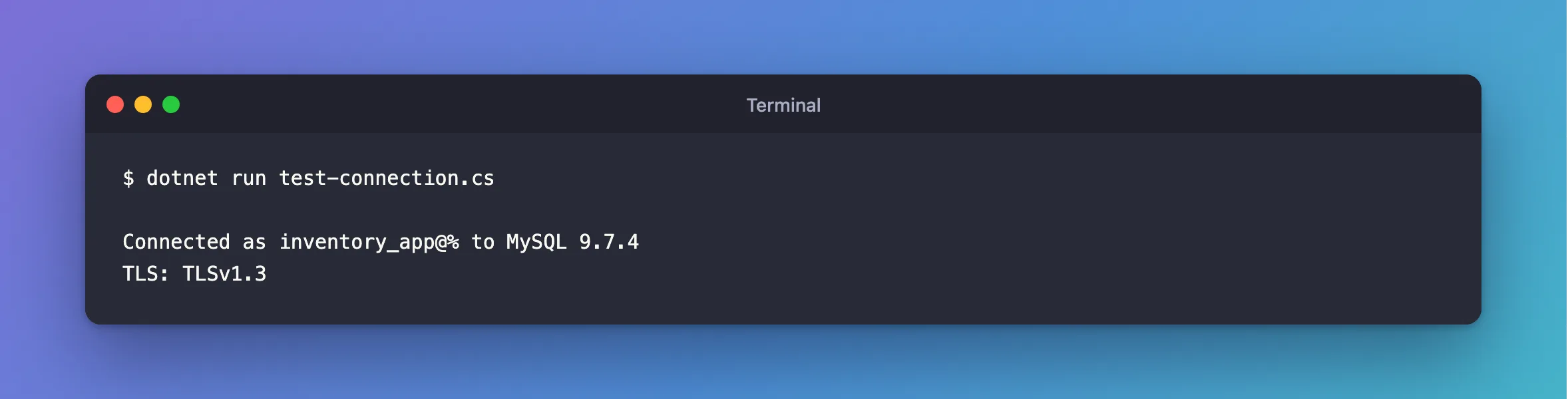
Against the same server, on macOS, with both set:
dotnet run test-connection.cs
Connected as inventory_app@% to MySQL 9.7.4
TLS: TLSv1.3
Common Mistakes
| Mistake | What happens | Do this instead |
|---|---|---|
| Chasing a network fault | Nothing's wrong with the network | Compare the TLS versions on both sides |
| Assuming the driver picks the best version | It picks 1.2 | Set TlsVersion |
Naming only TLSv1.3 on macOS | Not supported | Add the switch, or list both |
Troubleshooting
| Symptom | Likely cause | Fix |
|---|---|---|
The same message with TlsVersion set | Your list and the server's tls_version still have nothing in common | Compare them, with SHOW VARIABLES LIKE 'tls_version' |
The requested security protocol is not supported | TLS 1.3 only, on macOS | The fix |
TLS protocols TLSv1 and TLSv1.1 are no longer supported | An old version in TlsVersion | The fix |
Conclusion
This error means the driver and the server have no TLS version in common, and MySql.Data offers only 1.2 unless told otherwise. Add TlsVersion=TLSv1.2,TLSv1.3, plus the switch on macOS.
Additional Resources
- Connector/NET Connection Options —
tlsversion. - What's new in .NET 10 libraries: TLS 1.3 for macOS — the switch.
- Encrypted Connection TLS Protocols and Ciphers — the server's side.
