Fixed: Biome "The configuration schema version does not match the CLI version"

After I updated Biome from 2.4.2 to 2.6.6 in a new Next.js app, biome check reported The configuration schema version does not match the CLI version 2.6.6, and that the use of the recommended field has been deprecated. Both point at biome.json, which create-next-app wrote for Biome 2.4.2. One command, biome migrate --write, updated it.
What I Was Doing
In Part 5 of the Microsoft Agent Framework series, the chat app is created with create-next-app 16.4.6 and its Biome option, --biome. The template installs Biome 2.4.2. The series uses the newest release of everything, so I updated the development tools, Biome 2.6.6 among them:
npm install --save-dev typescript@7.0.2 @types/node@26.6.6 @types/react@19.3.0 @types/react-dom@19.3.0 @biomejs/biome@2.6.6
Then I ran the project's lint script, which runs biome check:
npm run lint
What I Expected
A check of the project's files, as before the update.
What I Got
npm notice run agent-chat-ui@0.1.0 lint
npm notice run biome check
/Users/you/source/DewirideServiceDesk/web/agent-chat-ui/biome.json:2:14 deserialize ━━━━━━━━━━

  ℹ The configuration schema version does not match the CLI version 2.6.6

    1 │ {
  > 2 │   "$schema": "https://biomejs.dev/schemas/2.4.2/schema.json",
      │              ^^^^^^^^^^^^^^^^^^^^^^^^^^^^^^^^^^^^^^^^^^^^^^^
    3 │   "vcs": {
    4 │     "enabled": true,

  ℹ   Expected:                     2.6.6
      Found:                        2.4.2


  ℹ Run the command biome migrate to migrate the configuration file.


/Users/you/source/DewirideServiceDesk/web/agent-chat-ui/biome.json:17:13 deserialize  DEPRECATED  ━━━━━━━━━━

  ℹ The use of the recommended field has been deprecated, and will removed in the next major version of Biome. Use preset instead.

    15 │     "indentWidth": 2
    16 │   },
  > 17 │   "linter": {
       │             ^
  > 18 │     "enabled": true,
        ...
  > 25 │     }
  > 26 │   },
       │   ^
    27 │   "assist": {
    28 │     "actions": {

  ℹ Migrate the configuration with the proper command

  $ biome migrate

…

Checked 14 files in 15ms. No fixes applied.
Found 5 errors.
Found 2 infos.
Biome printed both messages twice, once with the file's full path and once with biome.json. The five errors in between were about SVG files, a separate problem with its own post (Fixed: Biome "Alternative text title element cannot be empty").
What I Checked
The two versions. npx biome --version printed Version: 2.6.6. The first line of biome.json still pointed at the 2.4.2 schema, the one create-next-app had written:
{
  "$schema": "https://biomejs.dev/schemas/2.4.2/schema.json",
  …
  "linter": {
    "enabled": true,
    "rules": {
      "recommended": true
    },
    …
  }
}
Whether the check still ran. Both messages are marked ℹ, and the summary counts them as 2 infos, not errors: Biome read the file and checked the project anyway. They tell you the file is written for an older Biome.
The deprecated field. Biome's configuration reference marks linter.rules.recommended as deprecated: This option is deprecated and will be removed in the next major version. Use linter.rules.preset instead, or run biome migrate to update the configuration. Its replacement, linter.rules.preset, takes "recommended", "all" or "none".
What biome migrate does. The CLI reference says it previews configuration updates required by breaking changes and that by default, this command displays the proposed changes without modifying files. Use --write to apply them.
Why It Happens
Every Biome release has its own configuration schema, and biome.json names the one it was written for. create-next-app wrote the file for the Biome version its template installs, 2.4.2. Updating the @biomejs/biome package doesn't touch biome.json, so the file still named 2.4.2, and still used recommended, which newer versions replaced with preset.
The Fix
Let Biome update its own configuration:
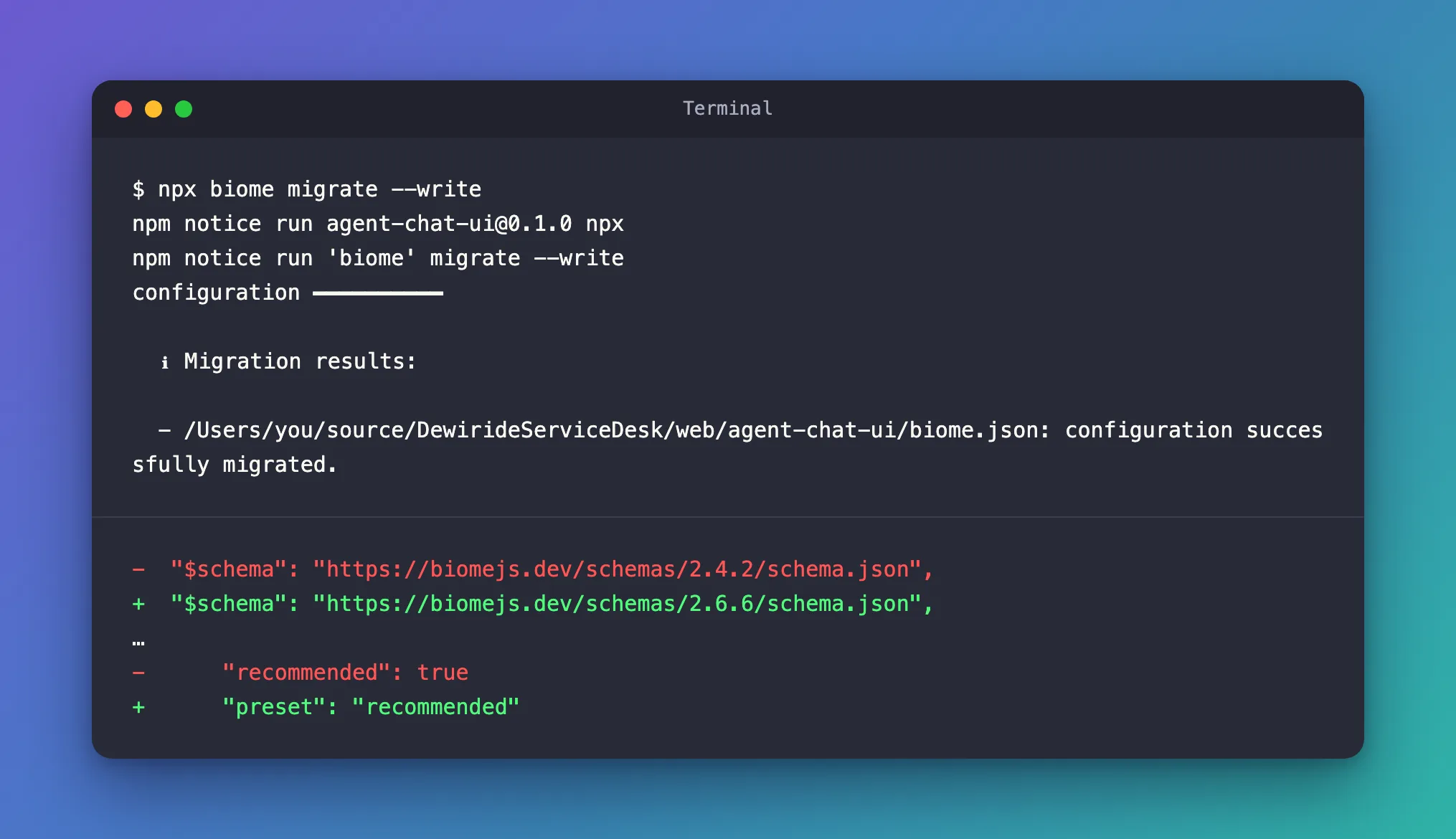
npx biome migrate --write
npm notice run agent-chat-ui@0.1.0 npx
npm notice run 'biome' migrate --write
configuration ━━━━━━━━━━

  ℹ Migration results:

  - /Users/you/source/DewirideServiceDesk/web/agent-chat-ui/biome.json: configuration successfully migrated.
It changed exactly two lines:
-  "$schema": "https://biomejs.dev/schemas/2.4.2/schema.json",
+  "$schema": "https://biomejs.dev/schemas/2.6.6/schema.json",
…
-      "recommended": true
+      "preset": "recommended"
The rules themselves didn't change: "preset": "recommended" turns on the same recommended rules.
After the Fix
npm run lint
Checked 14 files in 5ms. No fixes applied.
Found 5 errors.
The two infos were gone. The five errors left were the SVG problem, and once that was fixed, the check was clean:
npm notice run agent-chat-ui@0.1.0 lint
npm notice run biome check
Checked 9 files in 3ms. No fixes applied.
Common Mistakes
| Mistake | What happens | Do this instead |
|---|---|---|
Changing only the version in $schema by hand | The recommended message stays | Run npx biome migrate --write |
Running biome migrate without --write | It only shows the changes; the file stays the same | Add --write |
| Updating Biome without running the linter | The outdated configuration goes unnoticed until later | Run npm run lint after every Biome update |
Troubleshooting
| Symptom | Likely cause | Fix |
|---|---|---|
| The configuration schema version does not match the CLI version | biome.json was written for another Biome version | npx biome migrate --write |
| The use of the recommended field has been deprecated | The file uses recommended instead of preset | npx biome migrate --write |
Errors about .svg files after updating | Biome 2.5 and later also check SVG files | Fixed: Biome "Alternative text title element cannot be empty" |
FAQ
Do I have to run biome migrate after every update?
Run npm run lint after every update. When the schema line or a field is out of date, Biome says so and suggests biome migrate.
Will migrating change how my code is checked?
Not here: the migration only renamed the setting and updated the schema line. Read the diff the command prints, and keep biome.json in source control so you can see what changed.
Conclusion
The configuration schema version does not match the CLI version means biome.json was written for an older Biome. After updating Biome in a create-next-app project, run npx biome migrate --write: it updates the schema line and replaces the deprecated recommended field with preset.
Additional Resources
- Biome CLI reference: biome migrate — previewing and applying configuration updates.
- Biome configuration reference —
linter.rules.presetand the deprecatedrecommended. - Next.js: Installation — create-next-app's Biome option.
