Fixed: Biome "Alternative text title element cannot be empty" in a New Next.js App

After I updated Biome to 2.6.6 in a new Next.js app, biome check failed with five errors: lint/a11y/noSvgWithoutTitle, Alternative text title element cannot be empty, one for each sample SVG file in public. The template's own Biome didn't check SVG files; Biome 2.5 and later do. A <title> in the SVGs the page uses, and deleting the ones it doesn't, made the check clean.
What I Was Doing
In Part 5 of the Microsoft Agent Framework series, the chat app starts from create-next-app 16.4.6 with its Biome option. I updated Biome from the template's 2.4.2 to 2.6.6, updated biome.json with npx biome migrate --write (Fixed: Biome "The configuration schema version does not match the CLI version"), and ran the lint script again:
npm run lint
What I Expected
A clean check: nothing in the project had changed except Biome's version and its settings file.
What I Got
Five errors, one for each SVG file in public. The one for vercel.svg, the shortest file:
public/vercel.svg:1:1 lint/a11y/noSvgWithoutTitle ━━━━━━━━━━

  ✖ Alternative text title element cannot be empty

  > 1 │ <svg fill="none" xmlns="http://www.w3.org/2000/svg" viewBox="0 0 1155 1000"><path d="m577.3 0 577.4 1000H0z" fill="#fff"/></svg>
      │ ^^^^^^^^^^^^^^^^^^^^^^^^^^^^^^^^^^^^^^^^^^^^^^^^^^^^^^^^^^^^^^^^^^^^^^^^^^^^^^^^^^^^^^^^^^^^^^^^^^^^^^^^^^^^^^^^^^^^^^^^^^^^^^^^

  ℹ For accessibility purposes, SVGs should have an alternative text, provided via title element. If the svg element has role="img", you should add the aria-label or aria-labelledby attribute.
The same error followed for file.svg, globe.svg, next.svg and window.svg, and the run ended with:
Checked 14 files in 5ms. No fixes applied.
Found 5 errors.
check ━━━━━━━━━━

  ✖ Some errors were emitted while running checks.
What I Checked
Whether the template had the problem from the start. I created a second app from the same template and ran the template's own Biome 2.4.2 on it:
npm notice run my-app@0.1.0 lint
npm notice run biome check
Checked 8 files in 11ms. No fixes applied.
Eight files and no errors. With Biome 2.6.6, the same project counted 14 files: Biome now checked the SVG files too.
Biome's changelog. Version 2.5.0 says: Biome can now format and lint .svg files. The rule itself has existed for HTML since 2.4.0.
The rule's documentation. noSvgWithoutTitle is a recommended rule with error severity, so it is on by default and fails the check. It requires a supported labeling pattern for non-decorative SVG elements: it accepts a non-empty <title> as the first child, and decorative SVGs marked with aria-hidden="true" or role="presentation" are ignored. The template's five files have none of these.
Which files the app uses. The starter page, app/page.tsx, shows two of them through next/image: /next.svg with the alt text Next.js logo and /vercel.svg with Vercel logomark. file.svg, globe.svg and window.svg aren't used anywhere.
Why It Happens
create-next-app 16.4.6's Biome template was made for Biome 2.4.2, which didn't look at .svg files. Since Biome 2.5, biome check reads them as markup and runs its accessibility rules on them, so the template's sample images, which have no <title>, each fail noSvgWithoutTitle.
The Fix
Give every SVG you keep a title, and delete the ones you don't use.
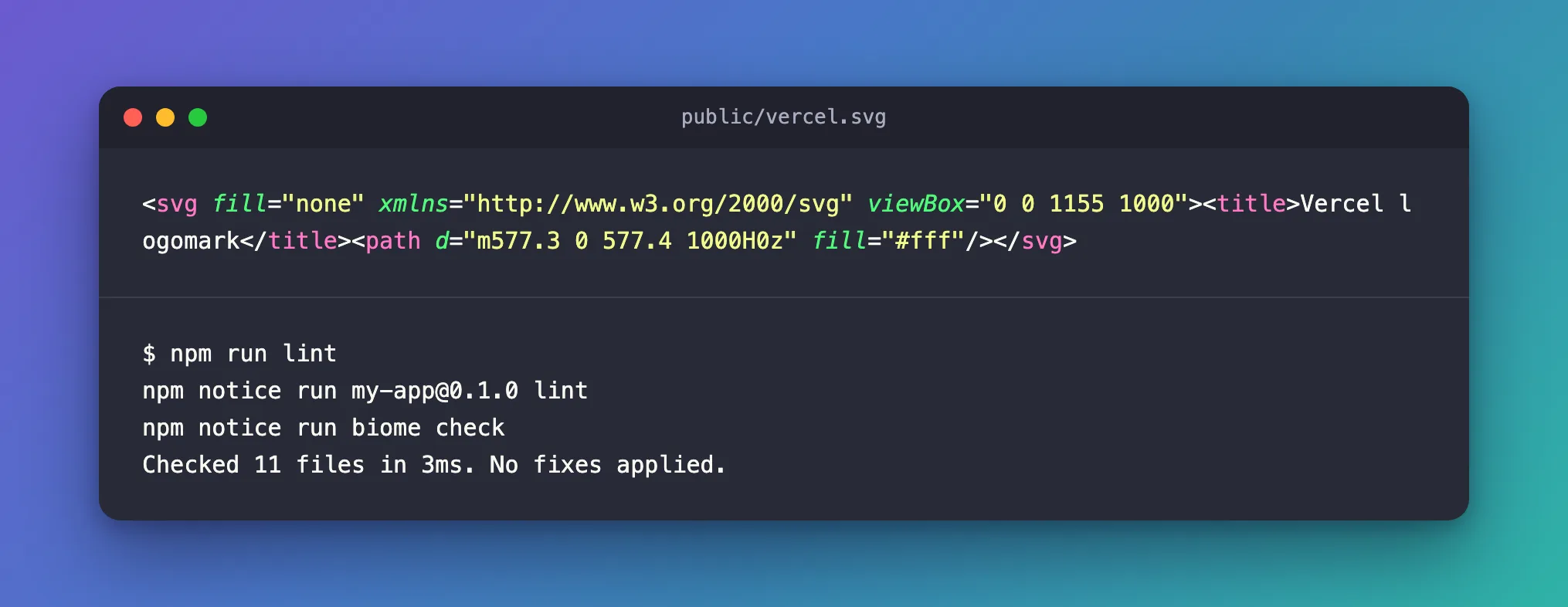
The starter page uses next.svg and vercel.svg, so each gets a <title> as the first element inside <svg>, with the same words as its alt text:
<svg fill="none" xmlns="http://www.w3.org/2000/svg" viewBox="0 0 1155 1000"><title>Vercel logomark</title><path d="m577.3 0 577.4 1000H0z" fill="#fff"/></svg>
<svg xmlns="http://www.w3.org/2000/svg" fill="none" viewBox="0 0 394 80"><title>Next.js logo</title><path fill="#000" d="M262 0h68.5v12.7h-27.2v66.6h-13.6V12.7H262V0ZM149 0v12.7H94v20.4h44.3v12.6H94v21h55v12.6H80.5V0h68.7z…
The other three files aren't used anywhere, so delete them:
rm public/file.svg public/globe.svg public/window.svg
In PowerShell: Remove-Item public/file.svg, public/globe.svg, public/window.svg.
Another way: delete the whole public folder
If you are about to replace the starter page anyway, none of the five images is needed. Part 5 deletes the public folder and replaces app/page.tsx a few steps later.
For a decorative SVG
An SVG that is only decoration can say so instead: aria-hidden="true" on the <svg> element marks it as decorative, and the rule skips it.
After the Fix
npm run lint
npm notice run my-app@0.1.0 lint
npm notice run biome check
Checked 11 files in 3ms. No fixes applied.
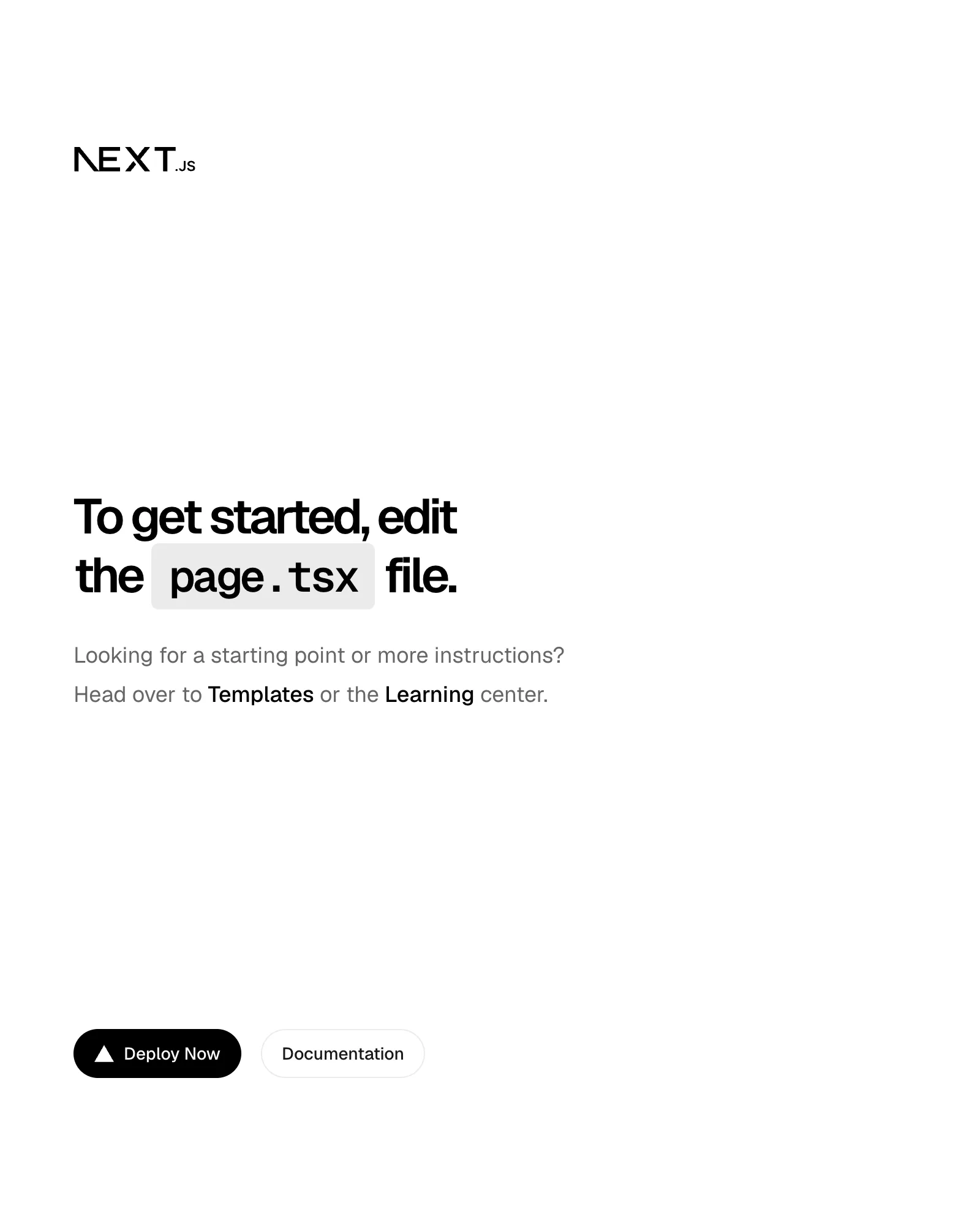
npm run dev and the starter page at http://localhost:3000 still show both logos — the Next.js wordmark at the top and the Vercel mark in Deploy Now:
In the series, deleting public gave the same clean result: Checked 9 files in 3ms. No fixes applied.
Common Mistakes
| Mistake | What happens | Do this instead |
|---|---|---|
Adding an empty <title></title> | The rule still fails: the title must have text | Describe the image in the title |
Deleting next.svg and vercel.svg while the starter page still uses them | The page shows broken images | Give them titles, or replace the page first |
Turning off noSvgWithoutTitle for the whole project | Inline SVGs in your components lose the check too | Fix the files, or mark decorative ones with aria-hidden="true" |
Troubleshooting
| Symptom | Likely cause | Fix |
|---|---|---|
lint/a11y/noSvgWithoutTitle on files in public | Biome 2.5 and later check .svg files | Add a <title>, or delete unused files |
| The error stays after adding a title | The <title> isn't the first element inside <svg>, or it's empty | Put a non-empty <title> first |
| The configuration schema version does not match the CLI version | biome.json is from an older Biome | npx biome migrate --write |
FAQ
Does a title inside an SVG file help users?
Where the page shows the file through an <img>, as next/image does, the alt text is what screen readers read. The title names the file itself: opening http://localhost:3000/vercel.svg directly showed Vercel logomark as the browser tab's name.
Why didn't create-next-app ship titles in its SVGs?
The template was made for Biome 2.4.2, which didn't check SVG files, so its check passed.
Conclusion
Alternative text title element cannot be empty on the files in public comes from Biome 2.5 and later checking .svg files, which the Biome 2.4.2 in create-next-app's template didn't. Give the SVGs you use a non-empty <title>, delete the ones you don't, and npm run lint is clean again.
Additional Resources
- Biome: noSvgWithoutTitle — what the rule accepts and ignores.
- MDN: the title element in SVG — accessible names for SVG.
- Next.js: Installation — create-next-app's Biome option.
