Fixed: "Anonymous access is enabled for channel: emulator" in the Microsoft 365 Agents SDK

My Microsoft 365 Agents SDK agent logged the same warning for every activity the Agents Playground sent it: Anonymous access is enabled for channel: emulator. It means the request came without a token. Replies worked anyway, but proactive messages didn't, because a turn without a token has no identity. The Playground's authenticated mode, with the agent's own app registration, makes the warning go.
What I Was Doing
I was building the reminder agent for Part 6 of the Microsoft 365 Agents SDK Fundamentals, on Agents SDK 1.9.205 and .NET 10. The agent was hosted with AddAgentDefaults(), had no connection of its own yet, and I tested it in the Microsoft 365 Agents Playground 0.2.30 the usual way:
agentsplayground -e http://localhost:3978/api/messages -c emulator
What I Expected
An agent that answers every message correctly, with nothing at warning level in its log.
What I Got
One warning when the Playground opened the chat, and one more for every message I sent:
info: Microsoft.Hosting.Lifetime[14]
      Now listening on: http://localhost:3978
info: Microsoft.Hosting.Lifetime[0]
      Application started. Press Ctrl+C to shut down.
info: Microsoft.Hosting.Lifetime[0]
      Hosting environment: Development
info: Microsoft.Hosting.Lifetime[0]
      Content root path: /Users/you/source/Reminders
warn: Microsoft.Agents.Hosting.AspNetCore.CloudAdapter[4]
      Anonymous access is enabled for channel: emulator.
warn: Microsoft.Agents.Hosting.AspNetCore.CloudAdapter[4]
      Anonymous access is enabled for channel: emulator.
info: Reminders.ReminderAgent[0]
      Stored conversation 00000000-0000-0000-0000-000000000000 for meeting reminders
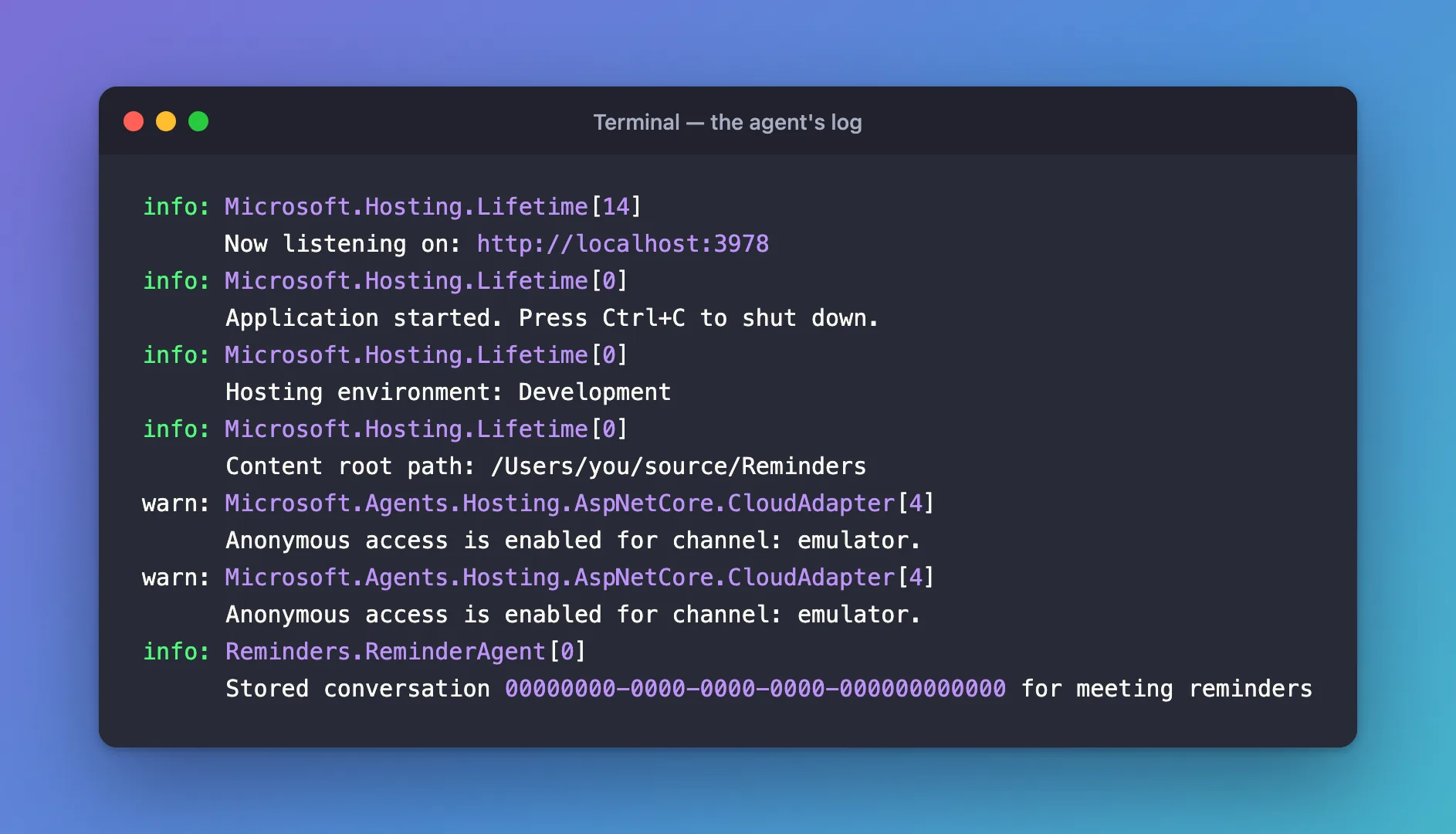
The replies still came. Then the agent tried to send its first proactive message, a reminder from a background task, and it failed with An instance of type 'Conversation' contains invalid values: aud claim is required in Claims, which Fixed: An instance of type 'Conversation' contains invalid values: aud claim is required in Claims covers. The two were connected, so I looked at where the warning comes from.
What I Checked
Where the warning is logged. The log category is Microsoft.Agents.Hosting.AspNetCore.CloudAdapter, event 4. In the SDK's source at the 1.9.205 release, ChannelServiceAdapterBase.ProcessActivityAsync logs it for each incoming activity when AgentClaims.AllowAnonymous returns true for the request's identity. That method is one line:
return identity != null && !identity.IsAuthenticated && !identity.Claims.Any();
So the warning means: the request's identity isn't authenticated and has no claims at all.
Where the identity comes from. HttpHelper.GetClaimsIdentity in the SDK's ASP.NET Core hosting starts from the identity ASP.NET Core's authentication produced. When that has no claims, it reads them from the request's bearer token, if there is one. Its own comment says: If the Bearer token was sent, we can get them from there. The JWT token is NOT validated though. No token, no claims, and the adapter treats the request as anonymous.
What the Playground sends. Microsoft's documentation says: The Agents Playground supports both anonymous and authenticated modes. For anonymous testing, no other configuration is required. In authenticated mode, Agents Playground acquires a JWT token using the provided authentication settings and includes it in the Authorization header when communicating with the application. Started without authentication settings, as I had, it sends no token.
What anonymous costs. In the same method, an anonymous request makes the adapter create its client for replies with useAnonymous: true, so replies go back without a token, which the Playground accepts in this mode. That's why the agent seemed fine. But the turn's identity has no claims, so a conversation captured from it has no aud claim either, and the SDK won't send a proactive message to it.
Why It Happens
In its default mode, the Agents Playground sends every activity without a token. The SDK finds no claims on the request, treats it as anonymous, says so with this warning, and answers without a token too. The warning is the SDK telling you that the turn has no identity.
The Fix
Make the requests carry a token: give the agent an identity, and run the Playground in its authenticated mode with the same Microsoft Entra app registration.
-
Register an app for the agent, single tenant, as How to Register a Web API in Microsoft Entra ID shows, and note its Application (client) ID and Directory (tenant) ID. Then create a client secret for it, as How to Create a Client Secret for an App Registration in Microsoft Entra ID shows.
-
Add the SDK's authentication package, which gets tokens for the agent:
Terminaldotnet add package Microsoft.Agents.Authentication.Msal --version 1.9.205 -
Give the agent its connection in
appsettings.json, with your client ID and tenant ID in place of the placeholders:appsettings.json (the sections to add)"Connections": {"ServiceConnection": {"Settings": {"AuthType": "ClientSecret","ClientId": "22222222-2222-2222-2222-222222222222","AuthorityEndpoint": "https://login.microsoftonline.com/11111111-1111-1111-1111-111111111111","Scopes": ["https://api.botframework.com/.default"]}}},"ConnectionsMap": [{"ServiceUrl": "*","Connection": "ServiceConnection"}]and keep the secret in .NET user secrets, not in the file:
Terminaldotnet user-secrets initdotnet user-secrets set "Connections:ServiceConnection:Settings:ClientSecret" "<your client secret>"
Then start the Playground with the same app's values, in the terminal you start it from:
- macOS / Linux
- Windows (PowerShell)
export AUTH_CLIENT_ID="22222222-2222-2222-2222-222222222222"
export AUTH_CLIENT_SECRET="<your client secret>"
export AUTH_TENANT_ID="11111111-1111-1111-1111-111111111111"
agentsplayground -e http://localhost:3978/api/messages -c emulator
$env:AUTH_CLIENT_ID = "22222222-2222-2222-2222-222222222222"
$env:AUTH_CLIENT_SECRET = "<your client secret>"
$env:AUTH_TENANT_ID = "11111111-1111-1111-1111-111111111111"
agentsplayground -e http://localhost:3978/api/messages -c emulator
The Playground's Log Panel confirms it with Authentication enabled, followed by the client ID and tenant ID. How to Test an Agent with Authentication in the Microsoft 365 Agents Playground walks through both sides with a small example.
After the Fix
I restarted the agent and the Playground and sent subscribe again. This time the log had no warning:
info: Microsoft.Hosting.Lifetime[14]
      Now listening on: http://localhost:3978
info: Microsoft.Hosting.Lifetime[0]
      Application started. Press Ctrl+C to shut down.
info: Microsoft.Hosting.Lifetime[0]
      Hosting environment: Development
info: Microsoft.Hosting.Lifetime[0]
      Content root path: /Users/you/source/Reminders
info: Reminders.ReminderAgent[0]
      Stored conversation reminders-chat for meeting reminders
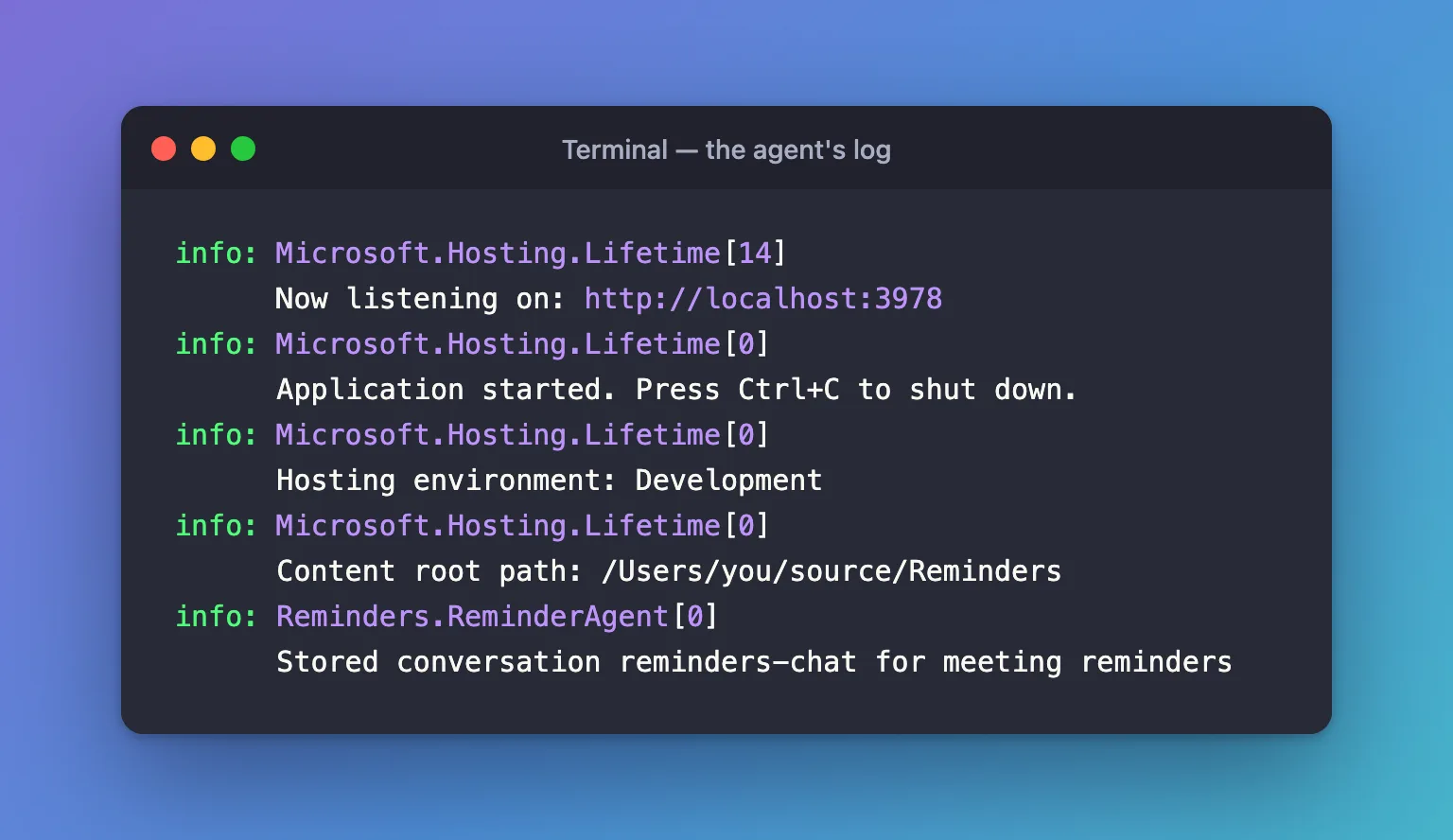
The message arrived with a token, so the turn had the token's claims, and with them the agent's proactive messages went through as well.
Common Mistakes
| Mistake | What happens | Do this instead |
|---|---|---|
Setting the AUTH_ variables in another terminal | The Playground you start still runs anonymously | Set them in the terminal that starts the Playground |
| Configuring only the Playground | Messages carry a token, but the agent has no connection to answer with | Give the agent the same app's connection too |
| Taking the missing warning to mean the agent is secure | Nothing checks the token in this setup: the SDK reads its claims without validating it | Turn on token validation with AddAgentAuthorization before the agent leaves your machine |
Troubleshooting
| Symptom | Likely cause | Fix |
|---|---|---|
| The warning stays after you set the variables | The Playground was already running, or started from another terminal | Stop it and start it again where the variables are set |
| The Log Panel doesn't say Authentication enabled | The Playground didn't get the settings | Check the names: AUTH_CLIENT_ID, AUTH_CLIENT_SECRET and AUTH_TENANT_ID |
FAQ
Can I ignore the warning?
While you test replies on your own machine, yes: Microsoft's documentation says anonymous testing needs no other configuration, and replies work. It matters when the agent needs an identity in the turn, as for proactive messages, and when the agent leaves your machine, where it must check that every request comes from its channel.
Does authenticated mode make my agent secure?
No. It makes the requests carry a token, and in this setup nothing validates it: HttpHelper reads the token's claims without checking them, as its comment says. Checking tokens is a separate step, AddAgentAuthorization, which you turn on before the agent runs anywhere but your machine.
What does "via trusted local transport" mean?
The same SDK method logs Anonymous access is enabled for channel: … via trusted local transport. at information level, instead of this warning, when the activity's service URL is a named pipe, a local connection the SDK trusts. Over HTTP, as with the Playground, you get the warning.
Conclusion
Anonymous access is enabled for channel: emulator means the activity arrived without a token, so the turn has no identity. That's fine for testing replies on your machine, but proactive messages need the identity. Give the agent a connection with its own app registration, start the Agents Playground in authenticated mode with the same app, and the warning goes.
Additional Resources
- Test your agent locally in Microsoft 365 Agents Playground — the anonymous and authenticated modes.
- Configure Agents Playground for authentication — the environment variables, and how the Playground uses the token.
- ChannelServiceAdapterBase.cs, AgentClaims.cs and HttpHelper.cs — where the SDK decides a request is anonymous and logs the warning.
