Fixed: An issue was encountered verifying workloads. For more information, run "dotnet workload update".

The first dotnet command under a new user account printed An issue was encountered verifying workloads. For more information, run "dotnet workload update"., and then carried on as if nothing had happened. The message hides a check that failed for lack of permission. It's harmless, it appears once, and one environment variable turns it off.
What I Was Doing
I was setting up the C# part of Create and Verify a JWT in Code. I ran every step from a brand-new home folder, so that the output would match what a reader sees the first time. The first command was creating a console app, with the .NET 10 SDK installed from Microsoft's macOS installer. To show it here on its own, I repeated it with an app named first-app:
dotnet new console -o first-app
What I Expected
The template's usual three messages: the app was created, its packages were restored, done.
What I Got
A yellow line came first:
An issue was encountered verifying workloads. For more information, run "dotnet workload update".
The template "Console App" was created successfully.

Processing post-creation actions...
Restoring /Users/Shared/you/first-app/first-app.csproj:
Restore succeeded.
The app was created anyway, and dotnet run worked. The message gave no reason.
What I Checked
Whether it happens again. I created a second app straight away, and the line didn't appear. It's tied to the first dotnet command under a user account.
What the message suggests. It says to run dotnet workload update, so I did:
dotnet workload update
Inadequate permissions. Run the command with elevated privileges.
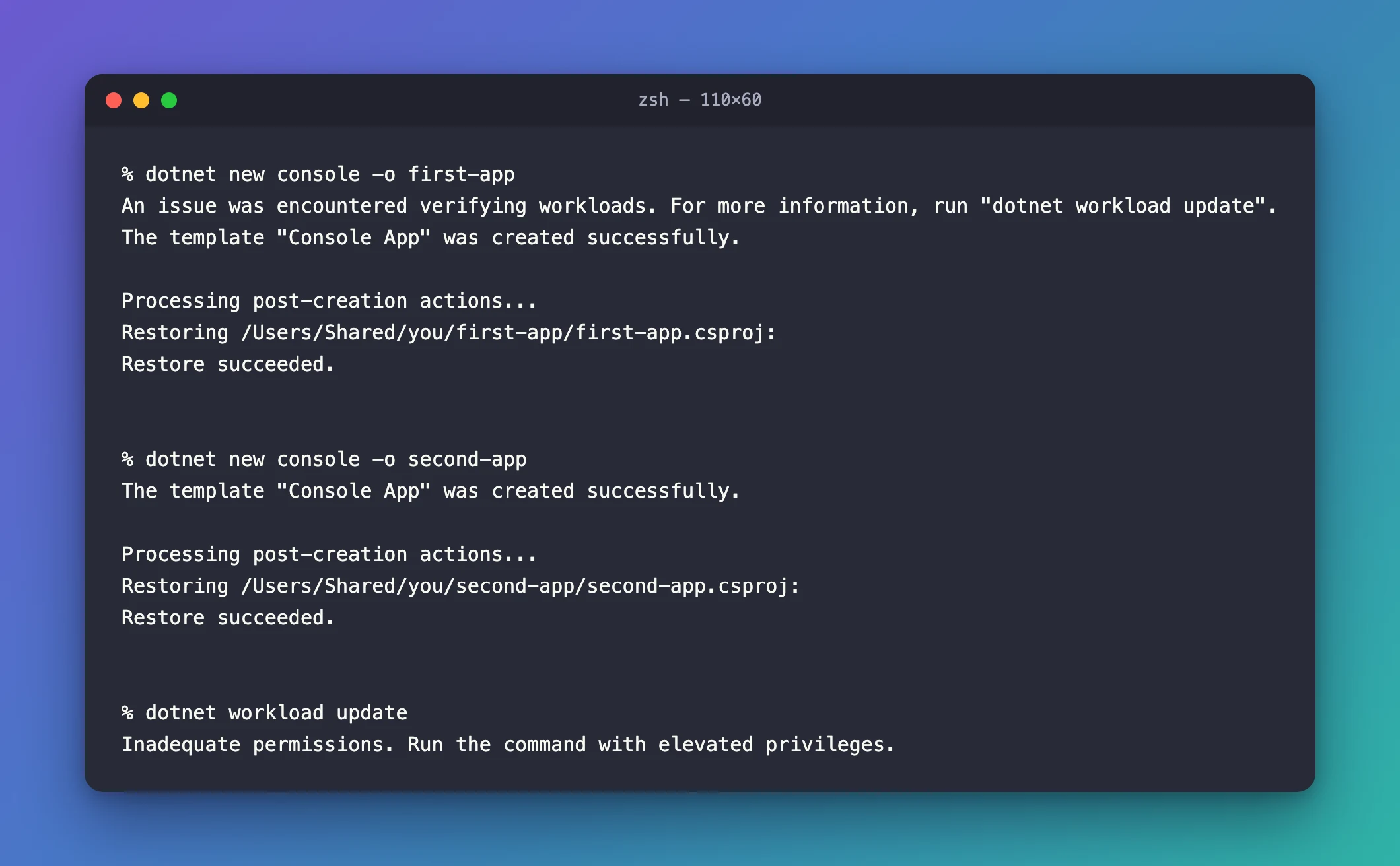
That's the real error. The macOS installer puts the SDK in /usr/local/share/dotnet, a folder owned by the system's root account, and an ordinary user can't change the workloads stored there.
The SDK's source code. The message comes from the .NET SDK's first-run experience. On the first command under an account, the SDK runs a workload integrity check, and the code wraps it like this:
try
{
    WorkloadIntegrityChecker.RunFirstUseCheck(reporter);
}
catch (Exception ex) when (ex is not OperationCanceledException)
{
    // If the workload check fails for any reason, we want to eat the failure and continue running the command.
    reporter.WriteLine(CliStrings.WorkloadIntegrityCheckError.Yellow());
}
So any failure inside the check becomes this one generic line, and the command you typed runs as normal.
The .NET SDK's issue tracker. The same message is reported in dotnet/sdk issue 35128, which is still open. It shows up on the first dotnet command after installing the SDK with the .pkg, .deb or .rpm installers. The .NET team's triage note there says it's "a non-blocking message that typically means sudo is needed to install the workloads."
Why It Happens
The first time a user account runs dotnet, the SDK checks that workloads installed for earlier SDK versions are still available to the current one. Workloads are optional add-ons, such as .NET MAUI or WebAssembly tools. Updating them means writing to the SDK's folder, which belongs to root when the SDK came from a system installer. The check fails, the SDK swallows the error, and you get the yellow line instead. It appears on a new computer, under a new user account, and in fresh containers and CI runners, because each of those starts without the file that records the first run.
The Fix
Nothing is broken, so you can ignore the line: it appears once per user account. To stop it, for example in CI where every run is a "first" run, set DOTNET_SKIP_WORKLOAD_INTEGRITY_CHECK to true before the first dotnet command. Microsoft's documentation describes it like this: "Specifies whether to skip the workload integrity check on first-run."
export DOTNET_SKIP_WORKLOAD_INTEGRITY_CHECK=true
dotnet new console -o first-app
In PowerShell:
$env:DOTNET_SKIP_WORKLOAD_INTEGRITY_CHECK = 'true'
dotnet new console -o first-app
How to Set an Environment Variable in the Terminal shows how to make the variable permanent, or set it in your CI configuration.
After the Fix
I started again from a new home folder, set the variable and created the app:
The template "Console App" was created successfully.

Processing post-creation actions...
Restoring /Users/Shared/you/first-app/first-app.csproj:
Restore succeeded.
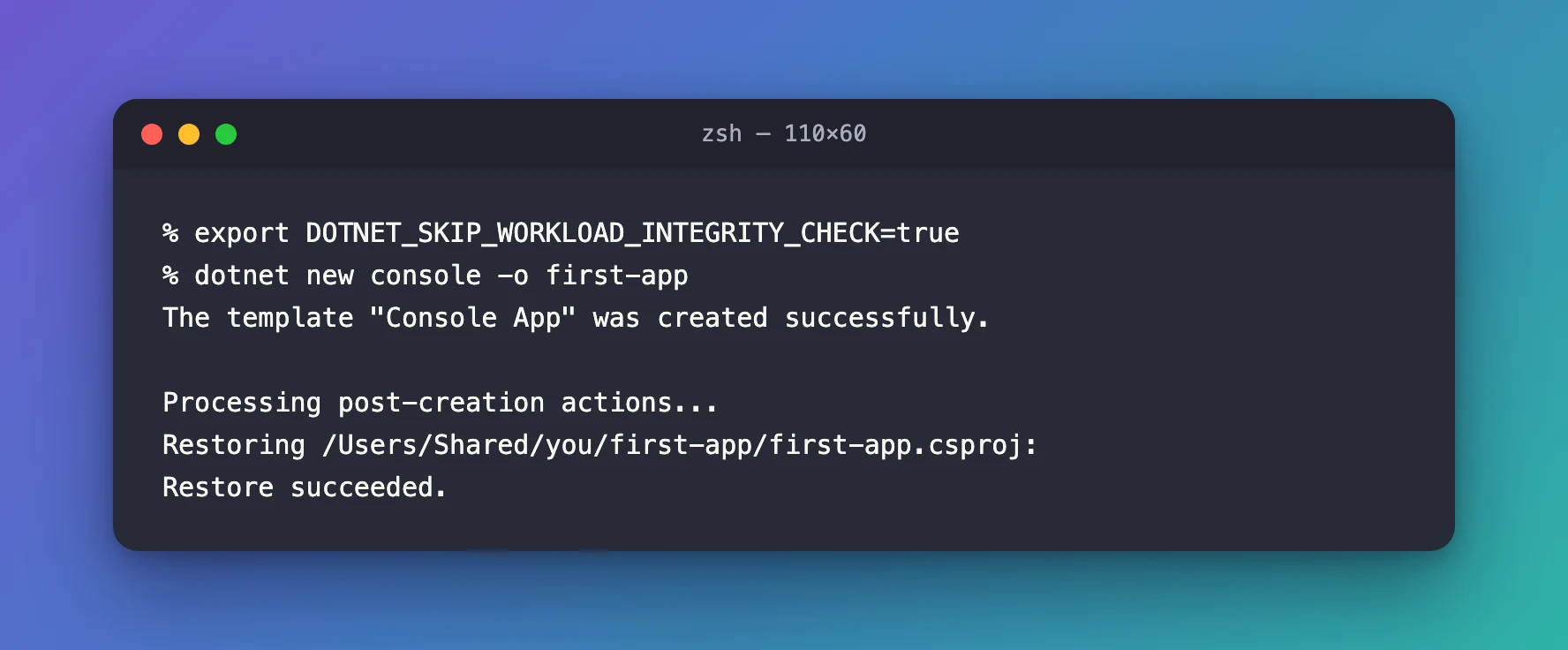
No warning. PowerShell gave the same result.
Common Mistakes
| Mistake | What happens | Do this instead |
|---|---|---|
| Treating the line as an error and reinstalling .NET | Nothing changes, and the line comes back for the next new account | Ignore it, or set DOTNET_SKIP_WORKLOAD_INTEGRITY_CHECK |
Setting the variable after the first dotnet command | The check has already run | Set it before the first command, in the same terminal |
Troubleshooting
| Symptom | Likely cause | Fix |
|---|---|---|
An issue was encountered verifying workloads. on the first command | The first-run workload check failed, usually for lack of permission | Ignore it, or skip the check with the variable |
Inadequate permissions. Run the command with elevated privileges. from dotnet workload update | The SDK's folder belongs to root | Only update workloads if you use them, with an account that can change the SDK |
FAQ
Does this affect my app?
No. The template was created and restored, and the app built and ran. The check only concerns optional workloads.
Why does it keep coming back in CI?
Each CI run starts with a fresh user profile, so every run is a first run. Set DOTNET_SKIP_WORKLOAD_INTEGRITY_CHECK=true in the pipeline's environment.
Conclusion
An issue was encountered verifying workloads means the .NET SDK's first-run workload check failed and hid the reason, which dotnet workload update reveals as a permission error. It's harmless and appears once per user account, and DOTNET_SKIP_WORKLOAD_INTEGRITY_CHECK=true turns the check off.
Additional Resources
- .NET environment variables: DOTNET_SKIP_WORKLOAD_INTEGRITY_CHECK, on Microsoft Learn.
- dotnet workload update, the command the message suggests.
- dotnet/sdk issue 35128, where the .NET team discusses the message.
