Fixed: ALTER TABLE Hangs on "Waiting for table metadata lock" in MySQL

An ALTER TABLE on a tiny table was still running minutes later, and the connection's state said Waiting for table metadata lock. The cause was the last thing I'd have looked at: a transaction that ran one SELECT and never ended. This is also what a stuck migration usually looks like.
What I Was Doing
I was adding a column to a small table, on MySQL 9.7.4 in Docker:
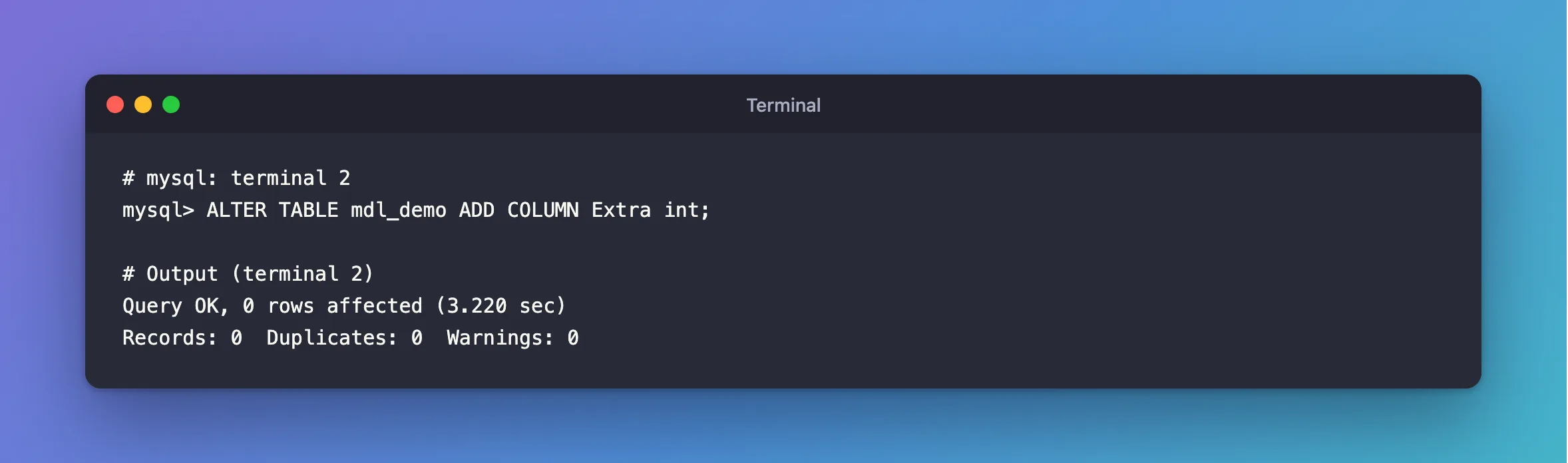
ALTER TABLE mdl_demo ADD COLUMN Extra int;
What I Expected
A fraction of a second: the table has no rows.
What I Got
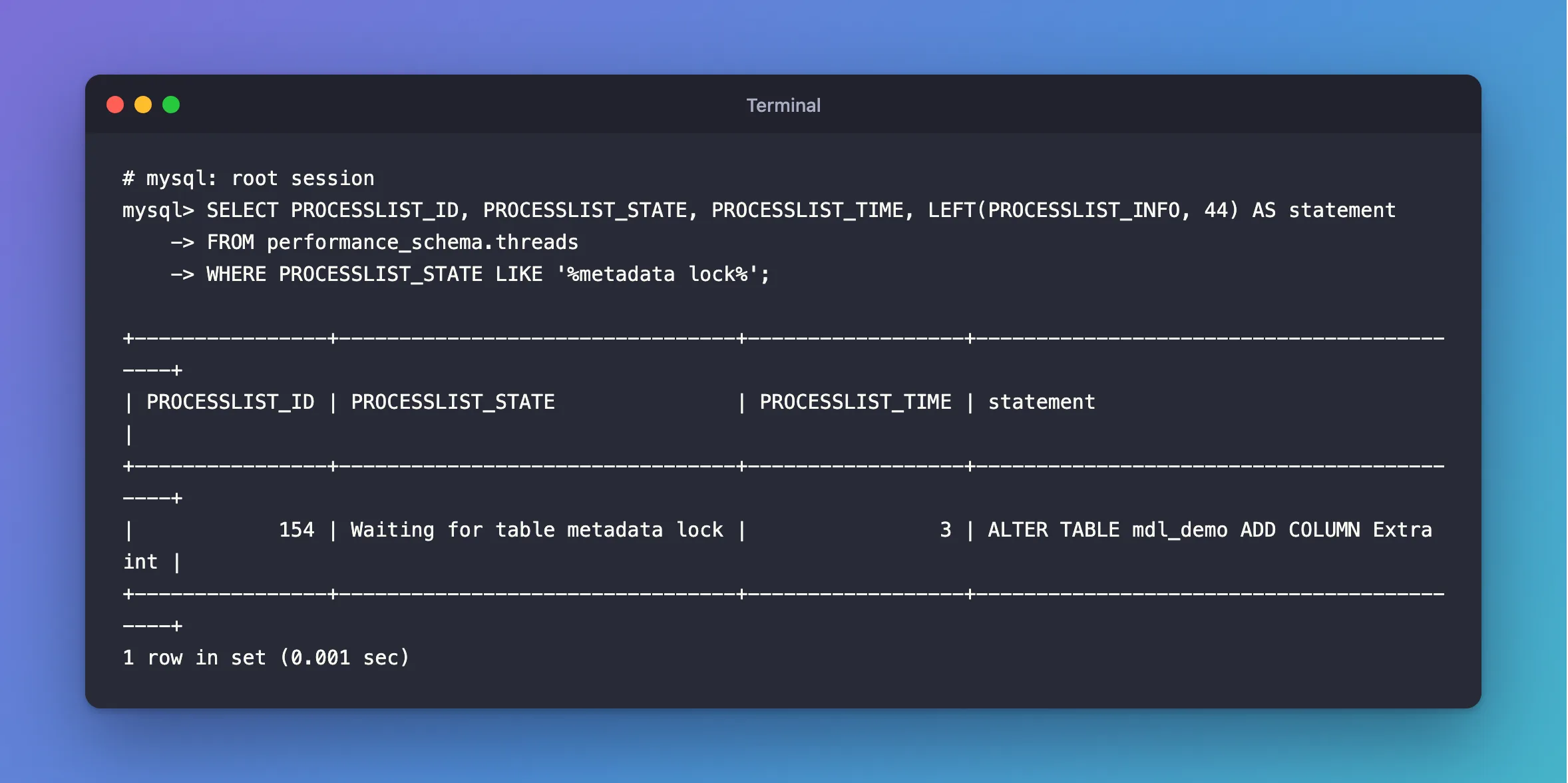
No answer, and no error. From another session:
SELECT PROCESSLIST_ID, PROCESSLIST_STATE, PROCESSLIST_TIME, LEFT(PROCESSLIST_INFO, 44) AS statement
FROM performance_schema.threads
WHERE PROCESSLIST_STATE LIKE '%metadata lock%';
+----------------+---------------------------------+------------------+-------------------------------------------+
| PROCESSLIST_ID | PROCESSLIST_STATE               | PROCESSLIST_TIME | statement                                 |
+----------------+---------------------------------+------------------+-------------------------------------------+
|            154 | Waiting for table metadata lock |                3 | ALTER TABLE mdl_demo ADD COLUMN Extra int |
+----------------+---------------------------------+------------------+-------------------------------------------+
1 row in set (0.001 sec)
What I Checked
The row-lock view. sys.innodb_lock_waits was empty. This isn't a row lock.
The metadata lock view.
SELECT object_schema, object_name, waiting_pid, waiting_query, blocking_pid, sql_kill_blocking_connection
FROM sys.schema_table_lock_waits\G
*************************** 1. row ***************************
               object_schema: inventory
                 object_name: mdl_demo
                 waiting_pid: 154
               waiting_query: ALTER TABLE mdl_demo ADD COLUMN Extra int
                blocking_pid: 156
sql_kill_blocking_connection: KILL 156
*************************** 2. row ***************************
               object_schema: inventory
                 object_name: mdl_demo
                 waiting_pid: 154
               waiting_query: ALTER TABLE mdl_demo ADD COLUMN Extra int
                blocking_pid: 154
sql_kill_blocking_connection: KILL 154
2 rows in set (0.006 sec)
The first row names connection 156. The second row is the ALTER TABLE itself, and you can ignore it.
What 156 is. My other terminal, with a transaction it had forgotten about:
START TRANSACTION;
SELECT COUNT(*) FROM mdl_demo;
The locks.
SELECT OBJECT_TYPE, OBJECT_NAME, LOCK_TYPE, LOCK_DURATION, LOCK_STATUS, OWNER_THREAD_ID
FROM performance_schema.metadata_locks
WHERE OBJECT_NAME = 'mdl_demo';
+-------------+-------------+-------------------+---------------+-------------+-----------------+
| OBJECT_TYPE | OBJECT_NAME | LOCK_TYPE         | LOCK_DURATION | LOCK_STATUS | OWNER_THREAD_ID |
+-------------+-------------+-------------------+---------------+-------------+-----------------+
| TABLE       | mdl_demo    | SHARED_READ       | TRANSACTION   | GRANTED     |             204 |
| TABLE       | mdl_demo    | SHARED_UPGRADABLE | TRANSACTION   | GRANTED     |             202 |
| TABLE       | mdl_demo    | EXCLUSIVE         | TRANSACTION   | PENDING     |             202 |
+-------------+-------------+-------------------+---------------+-------------+-----------------+
3 rows in set (0.000 sec)
SHARED_READ with LOCK_DURATION of TRANSACTION is the SELECT's lock, which stays until the transaction ends.
Why It Happens
A statement that reads a table takes a metadata lock, so the table's structure can't change while the transaction is using it. The lock lasts until the transaction ends, not until the statement does. ALTER TABLE needs an EXCLUSIVE lock, so it waits for everyone else to finish. And the wait has a very long limit: lock_wait_timeout has a default of 31,536,000 seconds, which is a year.
The Fix
End the transaction that holds the lock:
COMMIT;
If it's in a program you can't reach, use the statement in the view's last column, here KILL 156.
To stop it failing silently on a busy server, give the migration session a limit of its own:
SET SESSION lock_wait_timeout = 10;
After the Fix
The moment the transaction ended:
Query OK, 0 rows affected (3.220 sec)
Records: 0  Duplicates: 0  Warnings: 0
Common Mistakes
| Mistake | What happens | Do this instead |
|---|---|---|
Assuming a SELECT holds nothing | It holds a metadata lock until the transaction ends | End transactions promptly |
Killing the ALTER TABLE | The holder stays, and blocks the next try | End the holder |
| Running a migration during heavy traffic | New queries queue behind the waiting ALTER | Pick a quiet moment, and set lock_wait_timeout |
Looking in sys.innodb_lock_waits | It only shows row locks | Use sys.schema_table_lock_waits |
Troubleshooting
| Symptom | Likely cause | Fix |
|---|---|---|
dotnet ef database update hangs at ALTER TABLE | The same thing, from an open transaction or an idle connection | Find the holder the same way |
| Everything on that table is suddenly stuck | Later statements queue behind the waiting ALTER | End the holder, or stop the ALTER |
Lock wait timeout exceeded, after you set a limit | The holder is still there | End it, then try again |
Conclusion
Waiting for table metadata lock means another transaction has used this table and hasn't ended. sys.schema_table_lock_waits names it, even when all it ran was a SELECT. End that transaction, and the ALTER TABLE finishes at once.
Additional Resources
- Metadata Locking — how it works.
- lock_wait_timeout — the limit.
