Fixed: "Access denied for user" with REQUIRE X509 and MySql.Data

An account with REQUIRE X509 must present a client certificate. I gave MySql.Data the right one, in SslCert and SslKey, and got Access denied, though the mysql client got in with the same files. The driver reads those PEM files and never sends them.
What I Was Doing
I was adding a client certificate to an account, for a second factor on top of its password:
ALTER USER 'inventory_app'@'%' REQUIRE X509;
And I connected with MySql.Data 26.10.0 on .NET 10, using MySQL's own client certificate, with its key converted to the format the driver reads:
…;SslMode=VerifyFull;SslCa=/Users/you/projects/mysql-connection-test/certs/ca.pem;SslCert=/Users/you/projects/mysql-connection-test/certs/client-cert.pem;SslKey=/Users/you/projects/mysql-connection-test/certs/client-rsa-key.pem
dotnet run test-connection.cs
What I Expected
A connection: the certificate was signed by the server's CA, and that's all REQUIRE X509 asks for.
What I Got
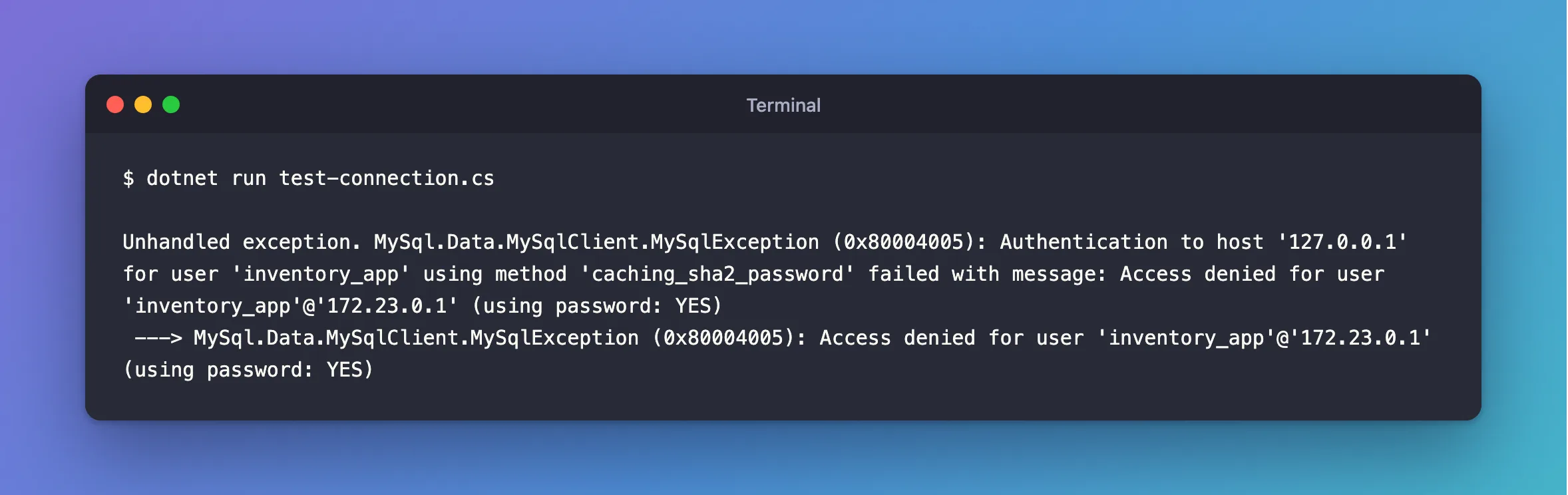
Unhandled exception. MySql.Data.MySqlClient.MySqlException (0x80004005): Authentication to host '127.0.0.1' for user 'inventory_app' using method 'caching_sha2_password' failed with message: Access denied for user 'inventory_app'@'172.23.0.1' (using password: YES)
 ---> MySql.Data.MySqlClient.MySqlException (0x80004005): Access denied for user 'inventory_app'@'172.23.0.1' (using password: YES)
What I Checked
The password. It was right: the same string connected before the ALTER USER.
The files, with the mysql client, inside the container, with the original key:
mysql --user=inventory_app --password --protocol=TCP --host=127.0.0.1 --ssl-mode=VERIFY_CA --ssl-ca=/var/lib/mysql/ca.pem --ssl-cert=/tmp/client-cert.pem --ssl-key=/tmp/client-key.pem --table --execute "SELECT CURRENT_USER() AS account"
+-----------------+
| account         |
+-----------------+
| inventory_app@% |
+-----------------+
So the certificate and the account are fine.
Whether the driver sends it at all. MySQL throws out a client that presents a certificate from a CA it doesn't know. The mysql client, with a stranger's certificate, got exactly that:
ERROR 2013 (HY000): Lost connection to MySQL server during query
The driver, with the same stranger's certificate and an account with no requirement, connected without trouble. A server can't reject what it never received.
Why It Happens
With PEM files, SslCert and SslKey are only checked by the driver, to satisfy VerifyFull. They don't reach the TLS handshake. Oracle's documentation doesn't mention this, so I can only say what the tests show. With no certificate presented, REQUIRE X509 refuses the login, and the server reports that as a plain Access denied.
The Fix
Pick the one that fits.
If you don't need a client certificate, remove the requirement. A password over a verified TLS connection is a solid setup:
ALTER USER 'inventory_app'@'%' REQUIRE NONE;
If you do need one, use a PFX file, which the driver does send. Build one from the certificate and key:
openssl pkcs12 -export -in client-cert.pem -inkey client-key.pem -certfile ca.pem -out client.pfx -passout pass:changeit
…;SslMode=Required;CertificateFile=/Users/you/projects/mysql-connection-test/certs/client.pfx;CertificatePassword=changeit
Use a real password in place of changeit, and keep it with your other secrets. There's a catch. It only worked here with SslMode=Required: with VerifyCA or VerifyFull, the PFX route refused the server. So with this driver, you can have a client certificate or a verified server, but in my tests, not both.
After the Fix
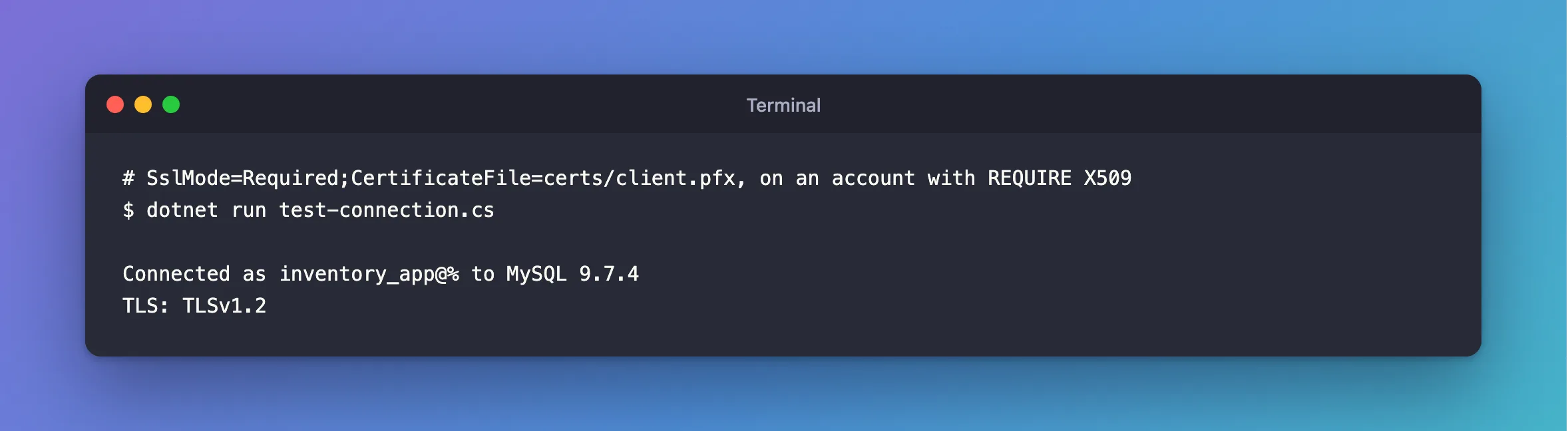
With the PFX file, and the account still set to REQUIRE X509:
dotnet run test-connection.cs
Connected as inventory_app@% to MySQL 9.7.4
TLS: TLSv1.2
It also passed with REQUIRE SUBJECT, which checks the certificate's name.
Common Mistakes
| Mistake | What happens | Do this instead |
|---|---|---|
| Resetting the password | It wasn't the password | Look at the account's ssl_type |
Assuming SslCert proves anything to the server | It's never sent | Use CertificateFile if the server must check it |
Expecting a client PFX and VerifyFull together | Refused in my tests | Choose which matters more |
Troubleshooting
| Symptom | Likely cause | Fix |
|---|---|---|
Access denied with a PFX too | The PFX's certificate wasn't signed by the server's CA | Build it from a certificate that was |
The remote certificate was rejected | PFX with VerifyCA or VerifyFull | The fix |
ERROR 2013 from the mysql client | A certificate from a CA the server doesn't know | The fix |
Conclusion
MySql.Data doesn't send PEM client certificates, so REQUIRE X509 refuses it with Access denied. Drop the requirement, or send a PFX through CertificateFile, and know that the PFX route doesn't combine with verifying the server.
Additional Resources
- CREATE USER: SSL/TLS options —
REQUIRE X509andREQUIRE SUBJECT. - Using PFX Certificates in Connector/NET —
CertificateFile.
