Does EF Core's SaveChanges Use a Transaction?

Yes. Each call to SaveChangesAsync runs in a transaction of its own, so if one row fails, none of them are saved. That's easy to prove with MySQL's own log, and it also shows you where the protection stops.
Prerequisites
- A .NET C# project using EF Core and MySQL. I used EF Core 10.0.14,
MySql.EntityFrameworkCore10.0.12 and MySQL 9.7.4. If you're starting out, How to Connect a .NET C# Web API to a MySQL Database sets all of that up. - A way to see MySQL's statements. How to See Every Statement MySQL Receives with the General Query Log.
Step 1: Save Two Rows, One of Which Fails
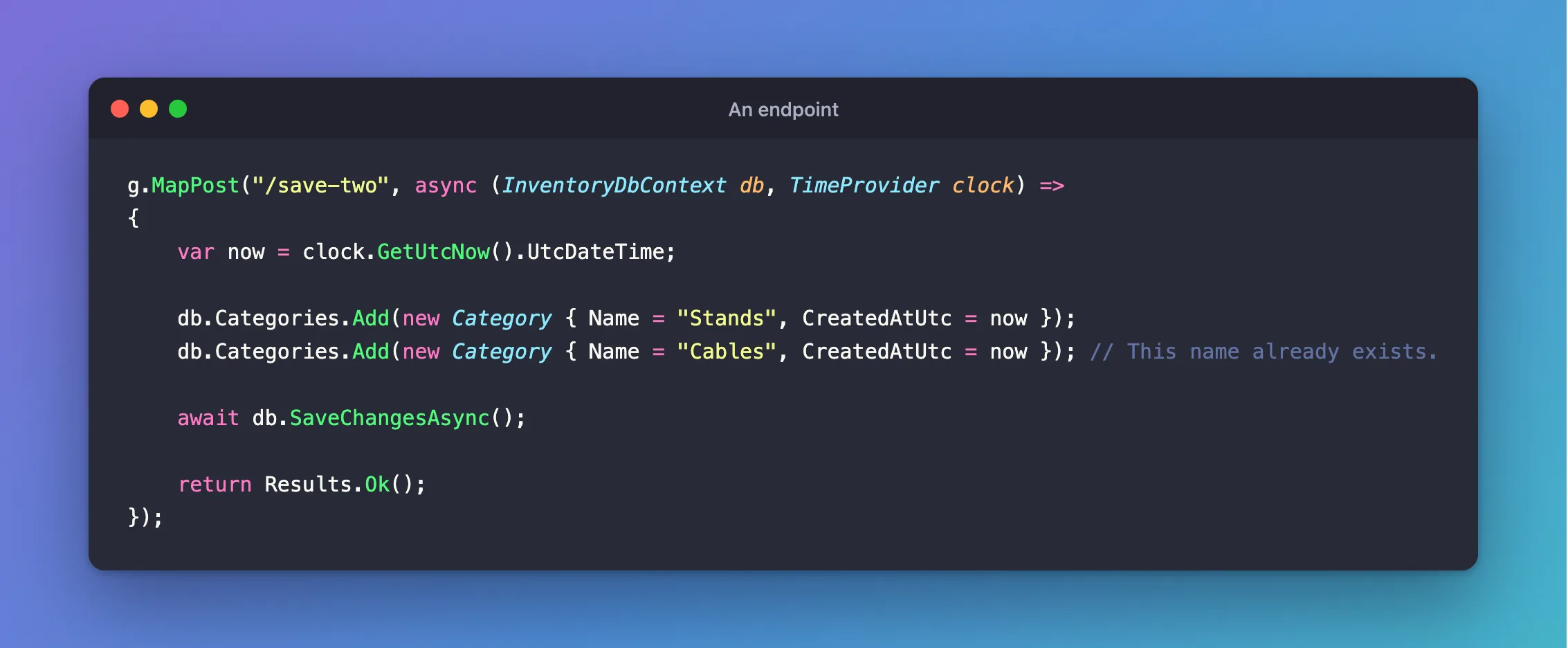
This endpoint adds two categories in one SaveChangesAsync. Cables already exists, and the table has a unique index on the name, so the second insert fails:
g.MapPost("/save-two", async (InventoryDbContext db, TimeProvider clock) =>
{
    var now = clock.GetUtcNow().UtcDateTime;

    db.Categories.Add(new Category { Name = "Stands", CreatedAtUtc = now });
    db.Categories.Add(new Category { Name = "Cables", CreatedAtUtc = now }); // This name already exists.

    await db.SaveChangesAsync();

    return Results.Ok();
});
HTTP/1.1 500 Internal Server Error
Content-Type: application/problem+json

{
  "type": "https://tools.ietf.org/html/rfc9110#section-15.6.1",
  "title": "An error occurred while processing your request.",
  "status": 500,
  "traceId": "00-6d2604dcc04fdf4289f6723ba39ec593-a5c2a348da3abffc-00"
}
The first insert was fine on its own. Was Stands saved?
{"name":"Stands","count":0}
It wasn't.
Step 2: See It in MySQL's Log
The general query log has what MySQL received:
+--------------------------------------------------------------+
| statement                                                    |
+--------------------------------------------------------------+
| SET TRANSACTION ISOLATION LEVEL REPEATABLE READ              |
| BEGIN                                                        |
| INSERT INTO `categories` (`CreatedAtUtc`, `Name`) VALUES (ti |
| SELECT `Id` FROM `categories` WHERE ROW_COUNT() = 1 AND `Id` |
| INSERT INTO `categories` (`CreatedAtUtc`, `Name`) VALUES (ti |
| ROLLBACK                                                     |
+--------------------------------------------------------------+
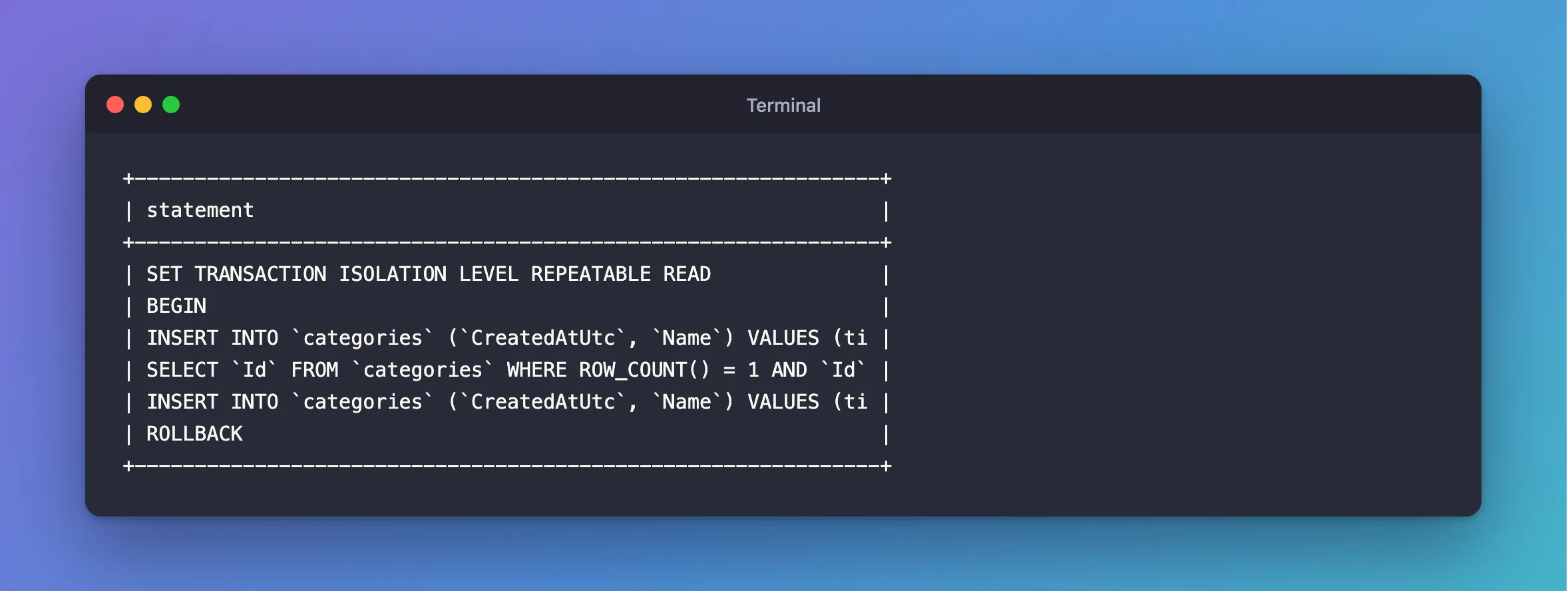
EF Core wrapped the call in BEGIN and ROLLBACK. The SET TRANSACTION ISOLATION LEVEL line is the driver's, and it sends that for every transaction.
When all the rows are fine, the same call ends in COMMIT:
+----------------------------------------------------------------------------+
| statement                                                                  |
+----------------------------------------------------------------------------+
| SET TRANSACTION ISOLATION LEVEL REPEATABLE READ                            |
| BEGIN                                                                      |
| INSERT INTO `categories` (`CreatedAtUtc`, `Name`) VALUES (timestamp('2026- |
| SELECT `Id` FROM `categories` WHERE ROW_COUNT() = 1 AND `Id` = LAST_INSERT |
| COMMIT                                                                     |
+----------------------------------------------------------------------------+
The EF Core docs say the same: "By default, if the database provider supports transactions, all changes in a single call to SaveChanges are applied in a transaction. If any of the changes fail, then the transaction is rolled back and none of the changes are applied to the database."
Step 3: See What It's Protecting You From
You can turn this behaviour off, for comparison. Don't leave it off:
db.Database.AutoTransactionBehavior = AutoTransactionBehavior.Never;
{"name":"Stands","count":1}
Now Stands stays, though the request failed. That half-finished state is what the automatic transaction prevents.
Step 4: Know Where It Stops
The transaction covers one call. These aren't protected:
| Code | Why it isn't covered |
|---|---|
Two SaveChangesAsync calls | Each has its own transaction, and the first may commit before the second fails |
ExecuteUpdateAsync and then SaveChangesAsync | ExecuteUpdateAsync runs immediately, in its own |
| A read, a check in C#, then a save | The read isn't in the save's transaction, so it's a race |
For those, start a transaction yourself.
Common Mistakes
| Mistake | What happens | Do this instead |
|---|---|---|
Adding a transaction around one SaveChangesAsync | It's already in one | Leave it out |
| Assuming a request is one transaction | Each save is separate | Start one when you need several writes together |
Leaving AutoTransactionBehavior.Never on for speed | A failure leaves partial data | Leave the default |
Conclusion
One SaveChangesAsync is one transaction, so it's all or nothing, and you don't need to add anything. Once a unit of work has more than one call in it, you need your own.
Additional Resources
- Using Transactions — the default behaviour, and how to control it.
